Unlock All Lesson Plans & ResourcesTo download this and other premium STEM lesson plans (including step-by-step building logic and coding goals), please enter your institutional details below. We will send the full access link directly to your email.
⚡ FREE UK DELIVERY 🚚 ROYAL MAIL TRACKED 24 ⏰ LIMITED TIME OFFER!⚡ FREE UK DELIVERY 🚚 ROYAL MAIL TRACKED 24 ⏰ LIMITED TIME OFFER!⚡ FREE UK DELIVERY 🚚 ROYAL MAIL TRACKED 24 ⏰ LIMITED TIME OFFER!
⚡ FREE UK DELIVERY 🚚 ROYAL MAIL TRACKED 24 ⏰ LIMITED TIME OFFER!⚡ FREE UK DELIVERY 🚚 ROYAL MAIL TRACKED 24 ⏰ LIMITED TIME OFFER!⚡ FREE UK DELIVERY 🚚 ROYAL MAIL TRACKED 24 ⏰ LIMITED TIME OFFER!
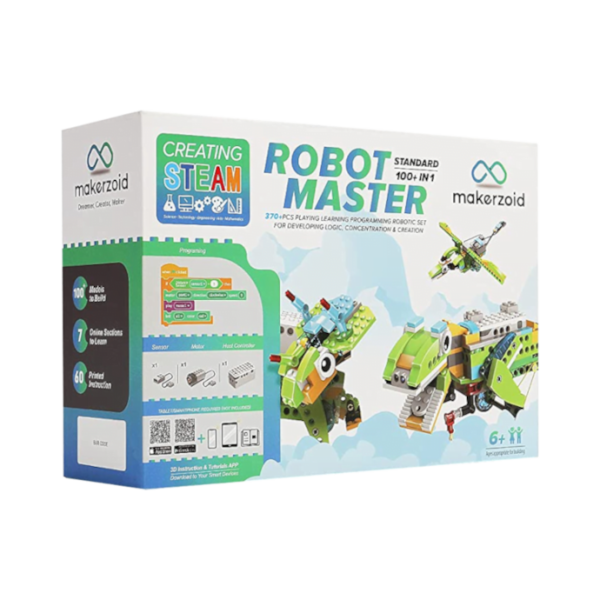
Meet it! The biggest construction set for kids that will help them become brilliant engineers and programmers!
With this construction set your kids will be able to:
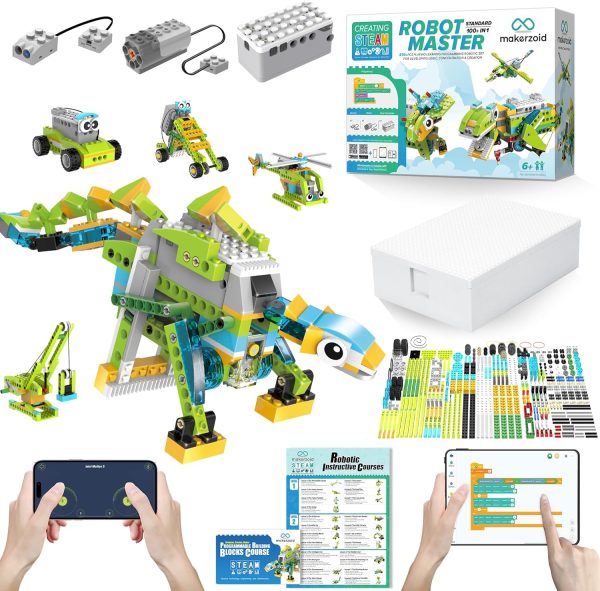
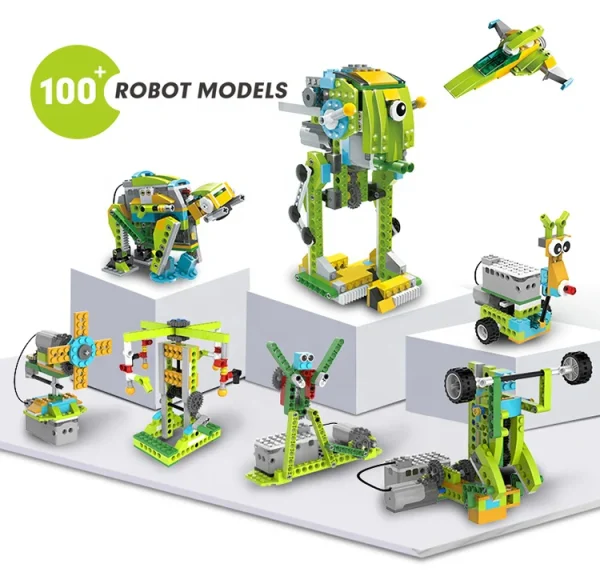
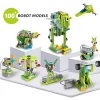
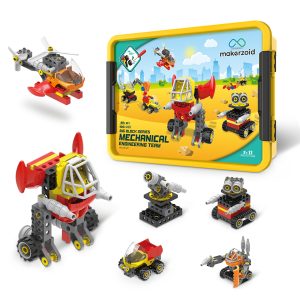
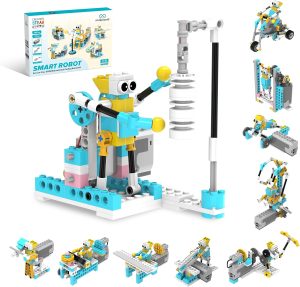
Build over 100 robots, from simple machines to complex smart robots.
Learn to program in Scratch 3.0 without even knowing how to do it.
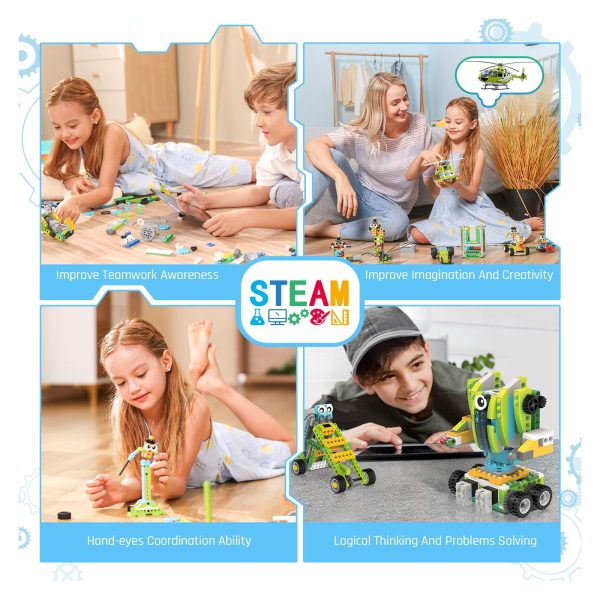
Develop logical thinking, creativity, and fine motor skills.
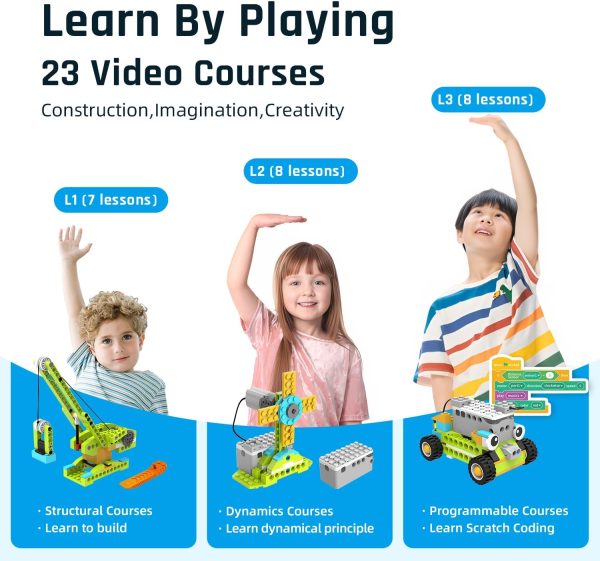
23 courses in robotics
For kids to learn how to build, control, and program at home. It’s a little simpler than the premium version and is well suited for teaching kids programming on their own.
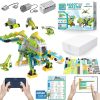
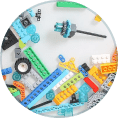
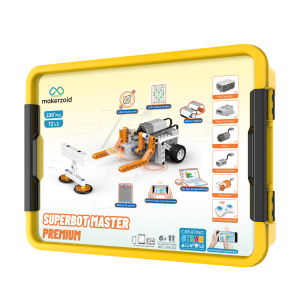
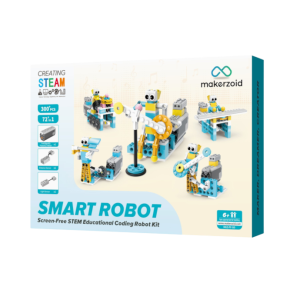
370 parts
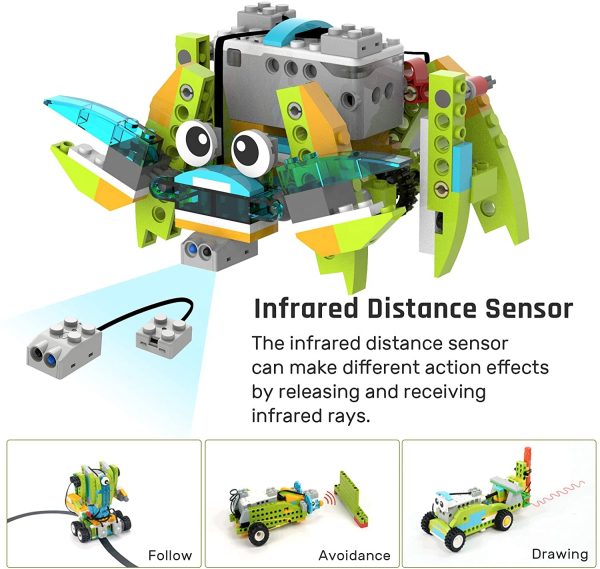
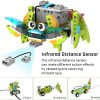
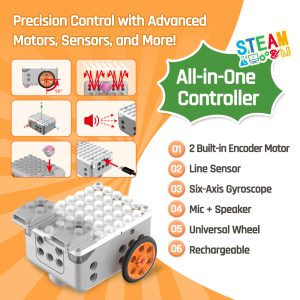
Updated host controller, 1 Robot Master motor, 1 sensors, gears and more.
100+ models
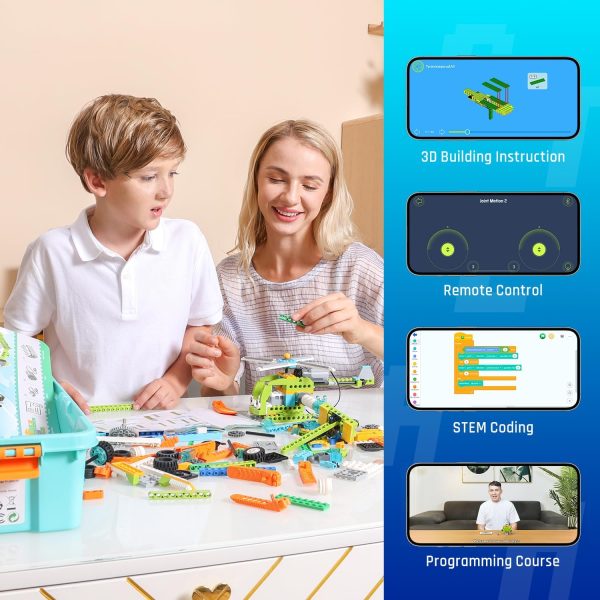
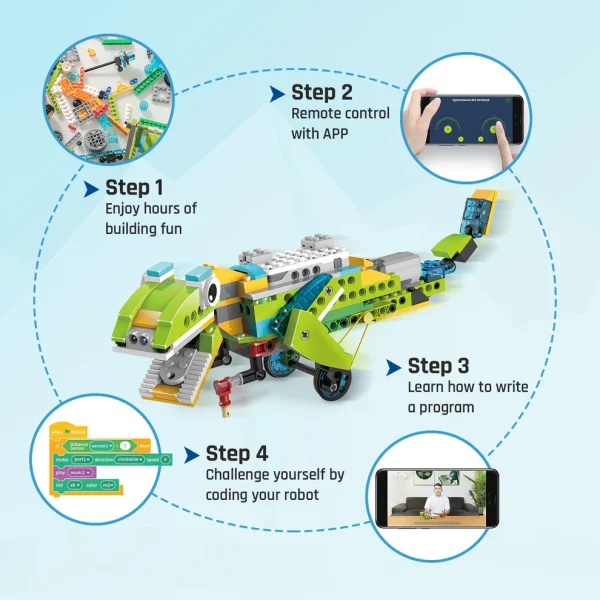
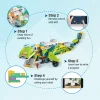
Build pre-built models with step-by-step instructions or use the endless scope for imagination.
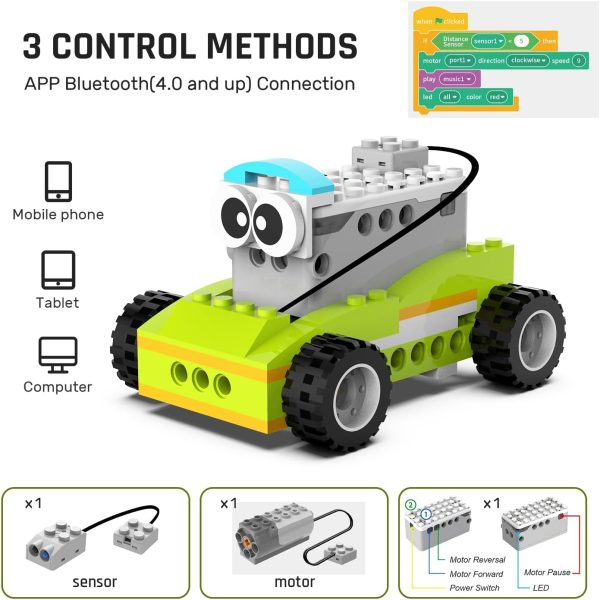
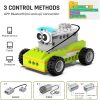
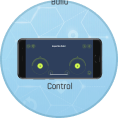
Bluetooth connectivity
Use gadgets to assemble, program and control your robots.
Graphic programming
Children will learn to program, learn the basics of mechanics and electronics, and develop creative skills – assembling structures, programming and playing.
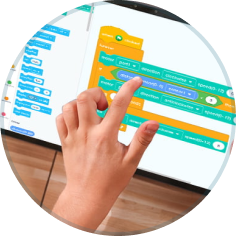
Graphics programming on Scratch is as easy as a drag-and-drop game.
Scratch 3.0
Uses visual blocks that are easy to drag and drop, making programming simple and accessible. Allows you to learn more complex programming concepts such as variables, loops and conditions. Programming the movements and actions of models (such as avoiding obstacles) on Scratch 3 allows children to see the results of their work in real time, making learning more visual and interesting.
Available in the Makerzoid app and at lab.makerzoid.com
Drivers: software.makerzoid.com
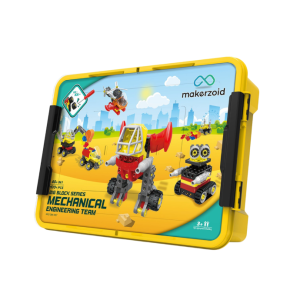
Storage box
A capacious box will help children develop a good habit of collecting their own toys.
With Makerzoid and Scratch 3.0, children don’t just play — they create.
Our STEM kits make programming, physics and engineering simple and fun, helping kids understand how technology works while building their own models
As they play, they naturally develop logical thinking, creativity and problem-solving skills. With Scratch 3.0, they can design interactive stories, games, animations and more — all with easy “drag & drop” coding.
Step by step, children (and even parents!) can build a strong foundation in coding that leads to more advanced programming in the future.
Makerzoid Application
Choose the platform that
suits you and download our free application
To download the application, scan the QR code or click the link below:
To download the application, scan the QR code or click the link below:
To download the application, scan the QR code or click the link below:
A really nice kit. We got this for our 10-year-old daughter. The app instructions are so clear that she managed to build the little fan all by herself. Brilliant way to get kids into coding without it feeling like schoolwork.
Rated 5 out of 5
David K. –
We wanted a coding kit for our daughter, 8 years old, but weren’t sure if she’d find it too complicated. The Robot Master Standard was the perfect entry point. It has around 370+ parts and 100+ models, which is more than enough to keep her engaged.
The step-by-step video courses in the app are super clear. She has already built a fully functioning hand fan and a little steering car. It feels like a premium product—the plastics are sturdy, and the parts snap together beautifully (and yes, they fully fit our existing Lego bricks!). Excellent value for money.
Rated 5 out of 5
George –
We bought this construction set as a present, the child is thrilled, and the grown-ups are just as impressed.
Rated 5 out of 5
Richard –
I use it together with my son, encouraging him towards useful and educational toys. He really enjoys it.
Rated 5 out of 5
Vasily –
How to familiarize yourself with robotics, the option is simply excellent
The child of 9 years liked it













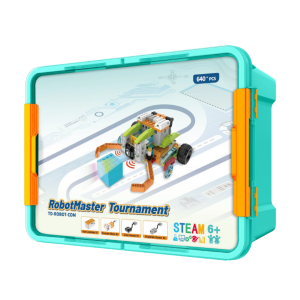
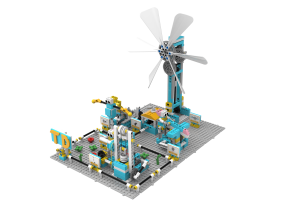
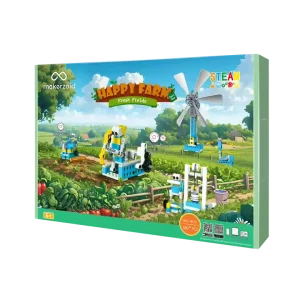
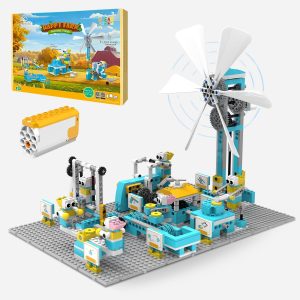
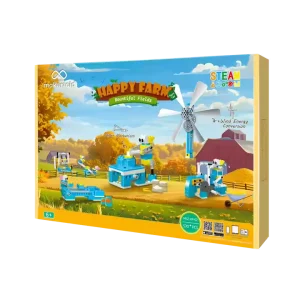
 PDF instructions for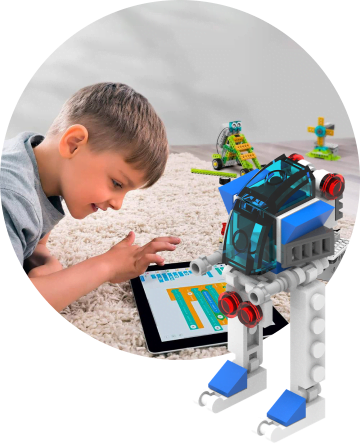







Jessica –
A really nice kit. We got this for our 10-year-old daughter. The app instructions are so clear that she managed to build the little fan all by herself. Brilliant way to get kids into coding without it feeling like schoolwork.
David K. –
We wanted a coding kit for our daughter, 8 years old, but weren’t sure if she’d find it too complicated. The Robot Master Standard was the perfect entry point. It has around 370+ parts and 100+ models, which is more than enough to keep her engaged.
The step-by-step video courses in the app are super clear. She has already built a fully functioning hand fan and a little steering car. It feels like a premium product—the plastics are sturdy, and the parts snap together beautifully (and yes, they fully fit our existing Lego bricks!). Excellent value for money.
George –
We bought this construction set as a present, the child is thrilled, and the grown-ups are just as impressed.
Richard –
I use it together with my son, encouraging him towards useful and educational toys. He really enjoys it.
Vasily –
How to familiarize yourself with robotics, the option is simply excellent
The child of 9 years liked it